Lesson 10 of 19 · ~6 min
Bulk-upload a season of events
You'll learn: Push 70+ events from a CSV in one shot, fix validation errors inline, and auto-queue their scans.
A CSV file of upcoming events, one row per event. We provide a template.
01 Open the bulk-upload modal
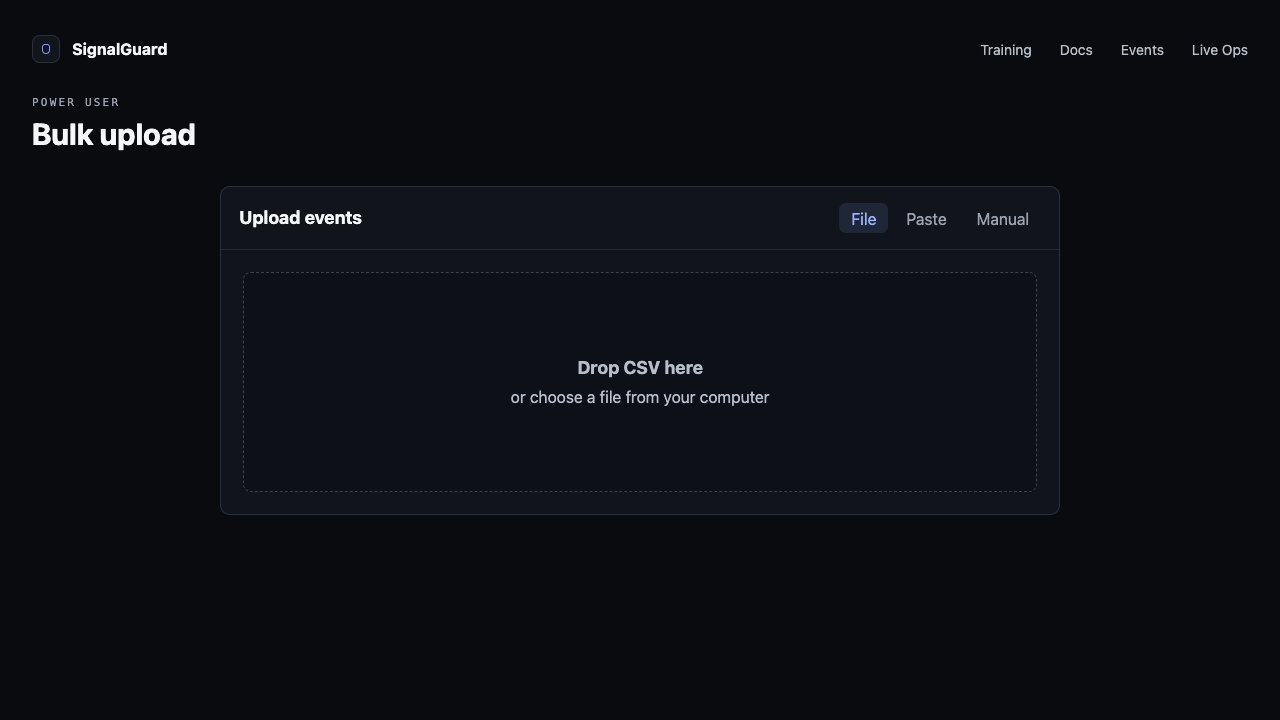
Go to /events and click Bulk upload in the top-right. A three-tab modal opens: File (drag CSV/TSV), Paste (paste rows), Manual (typed-from-scratch).
02 Use the right CSV header
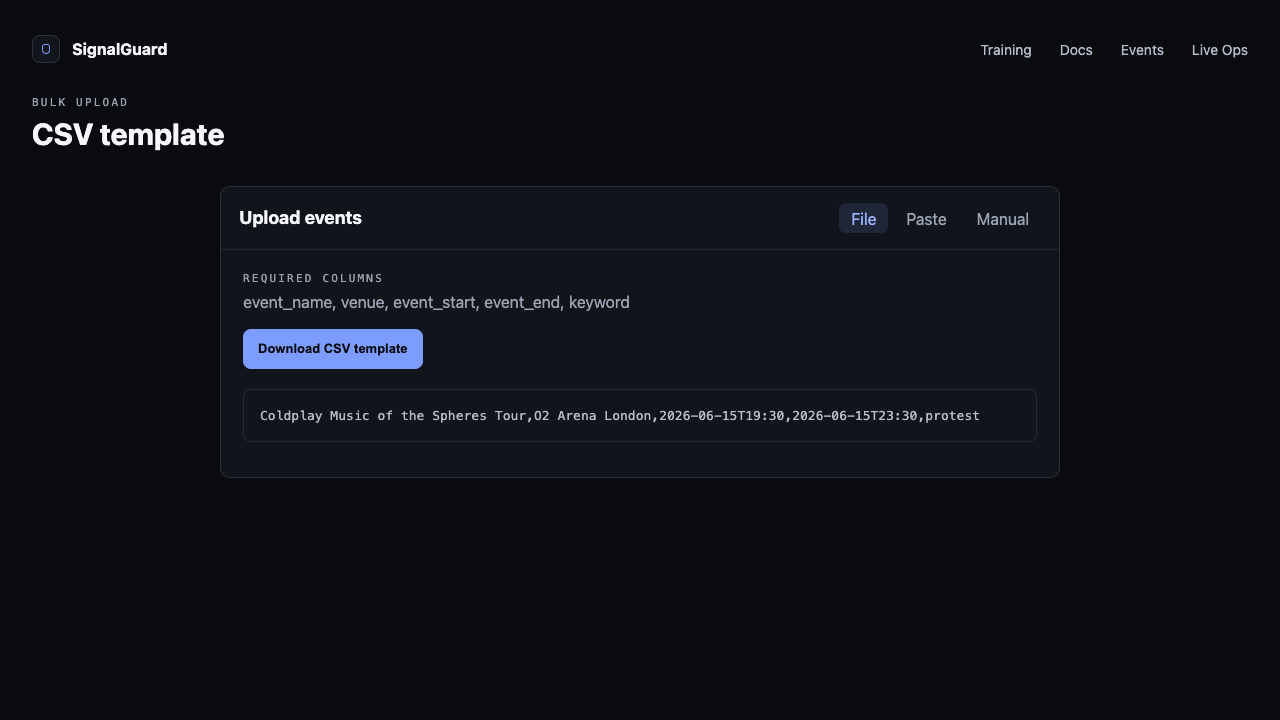
The CSV needs five columns, header row required:
event_name,venue,event_start,event_end,keyword
Coldplay Tour,O2 Arena London,2026-06-15T19:30,2026-06-15T23:30,protest
Independence Day,Wembley Stadium,2026-07-04T20:00,2026-07-05T01:00,
Knicks vs Heat,Madison Square Garden,2026-06-20T19:30,2026-06-20T22:30,security incident
Click Download CSV template in the File tab to grab a working example. Legacy headers (name, event_date) are still accepted as aliases.
03 Review the preview grid
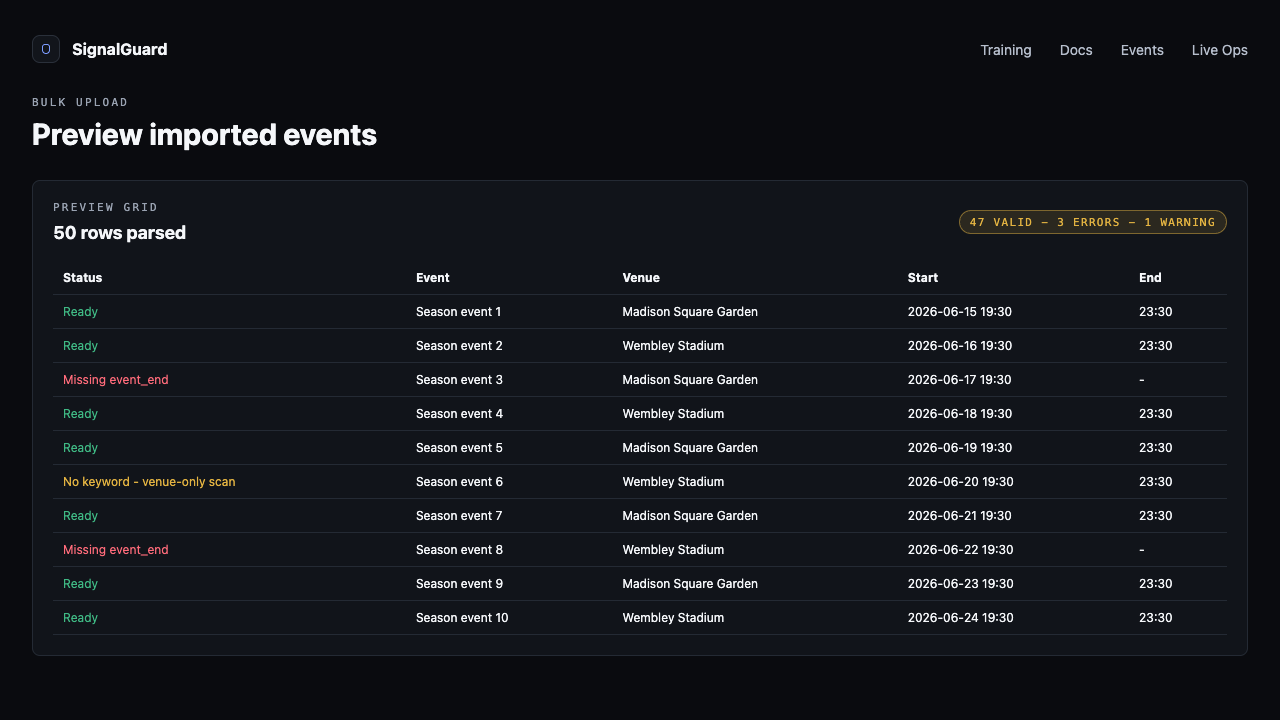
After parsing, the modal advances to a virtualized preview grid showing every row with a per-row validity icon (green check / amber warning / red error). Missing event name, missing end time, end-before-start, and bad date formats all flag here.
04 Use the fix buttons
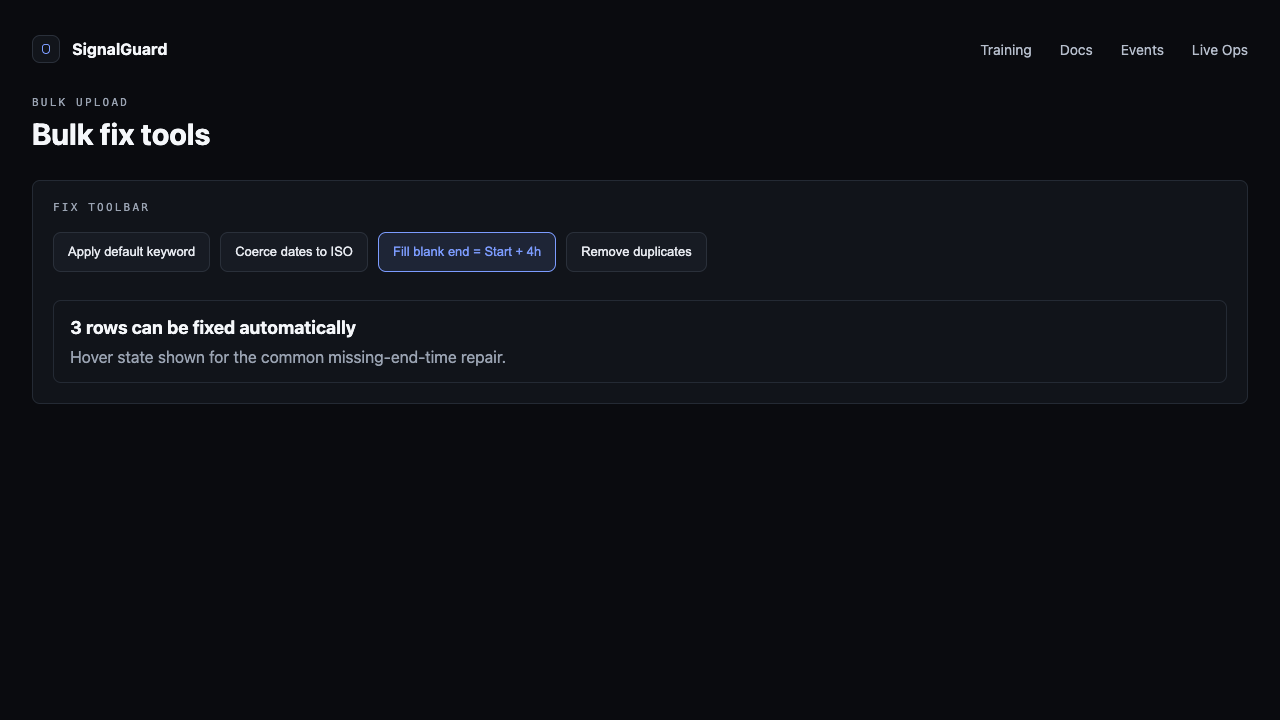
Bulk-fix tools in the toolbar:
- Apply default keyword — prompts for a keyword and applies it to every row missing one.
- Coerce dates to ISO — normalizes loose formats ("6/15/2026 7:30 PM") to ISO.
- Fill blank end = Start + 4h — common when spreadsheets only captured Start.
- Remove duplicates — same venue + same start.
05 Confirm and commit
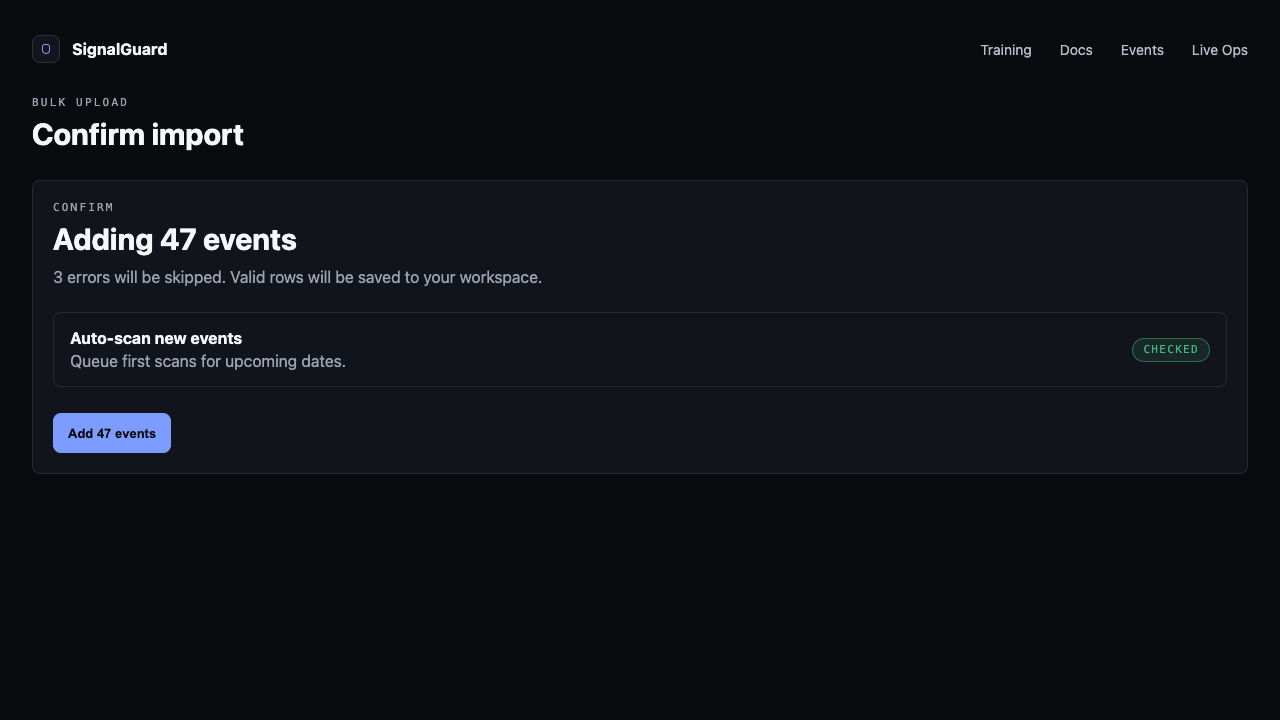
The Confirm step shows how many rows will land and warns if you'll exceed your tier's saved-events cap. Toggle Auto-scan when event is 30 days out to have the worker run the initial scan automatically; leave it off to keep events purely on your watchlist until you trigger.
Tips
- Past-dated rows are accepted into your saved-events list but skipped by auto-scan — no point burning quota on shows that already happened.
- For a full season (40+ rows), upload once at scheduling time with auto-scan ON. The worker handles scans at T-30d automatically.
- If you keep hitting tier caps, the response carries tier_check.monthly_remaining so you'll see exactly how many more you can add before upgrade.