Lesson 7 of 19 · ~7 min
Use Co-Pilot to interrogate a scan
You'll learn: Open the Co-Pilot chatbot, ask grounded questions about a brief or Live Monitor, and iterate with follow-ups.
A Pro+ account (Co-Pilot is gated). A scan brief or Live Monitor open.
01 Open the panel
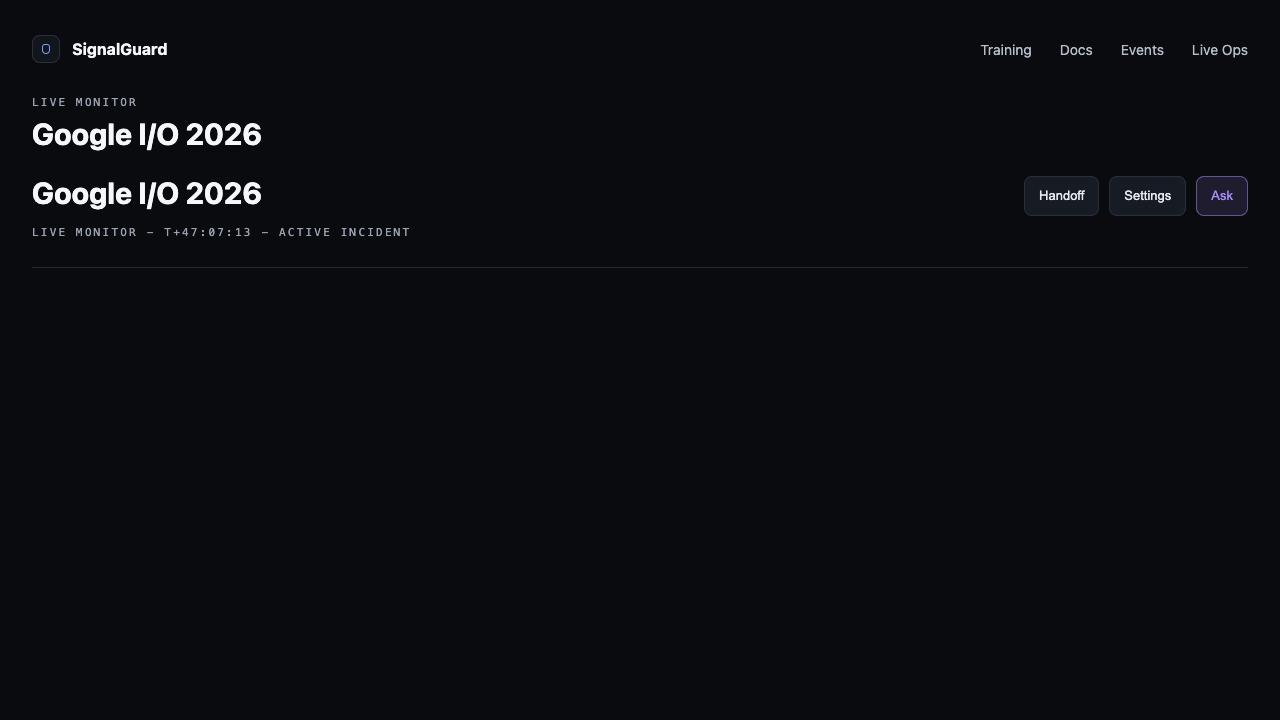
Look for the Ask button — top-right of the Live Monitor actions row, or in the brief header on /scan. Click it to slide out the Co-Pilot panel from the right edge of the screen. Keyboard shortcut: /.
02 Ask a grounded question
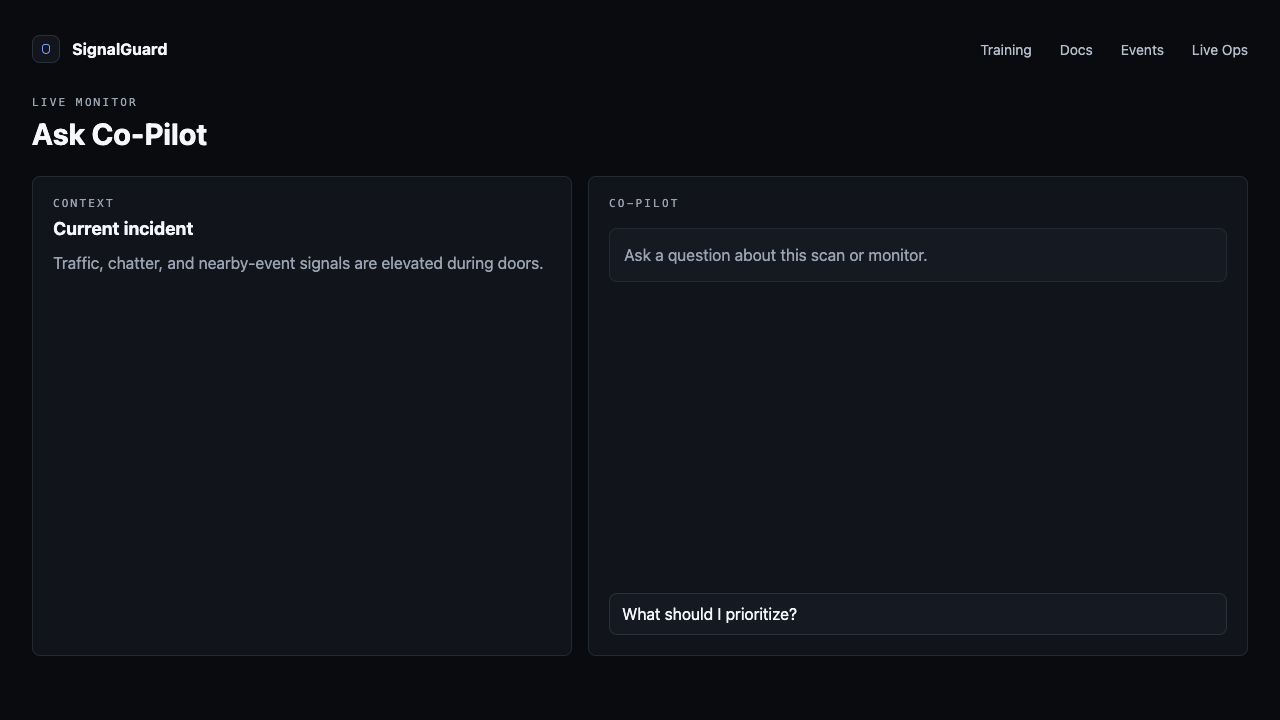
Co-Pilot can see everything in the loaded scan: the brief synthesis, recommended actions, every signal's headline plus the top 5 chatter items per source, weather forecast, traffic incidents, etc. Good first prompts:
- "Summarize the brief in 3 bullets."
- "What should I prioritize in the next 30 minutes?"
- "Show me the high-priority Telegram messages."
- "Are there any storm or wind risks I should watch?"
03 Read the reply
Replies come back as plain text with bracketed citations like [signal:traffic] or [brief:actions]. Every claim ties back to a source you can verify by scrolling to the relevant signal card.
![Co-Pilot reply listing 3 priorities, each with a [signal:xxx] citation.](/training/img/copilot-reply.png)
04 Follow up
Co-Pilot remembers the last 8 turns of the conversation, so follow-ups work naturally. "Tell me more about the traffic situation" picks up where you left off without you needing to restate context.
05 Know what it can't do
Co-Pilot will refuse rather than guess. If a signal didn't return data, it'll say "I don't have data on that" instead of fabricating. It also won't pull in info outside the loaded scan — for "what's happening on Twitter right now," go run a new scan with that keyword.
Tips
- Rate replies with the thumbs at the bottom — feedback helps tune the model and surfaces bad answers.
- On Live Monitor, ask Co-Pilot what changed since last poll. It can compare snapshot timestamps.
- For pre-event ops planning, run a brief first, then ask "draft a 5-line briefing for my doors team based on this scan."